Visualise projects your way
Switch between Kanban boards and Gantt charts in one click. Every team member sees projects the way that works for them.
Try Holded free for 14 days. No credit card required.
Over 200,000 businesses trust Holded


Kanban boards
Drag-and-drop project management
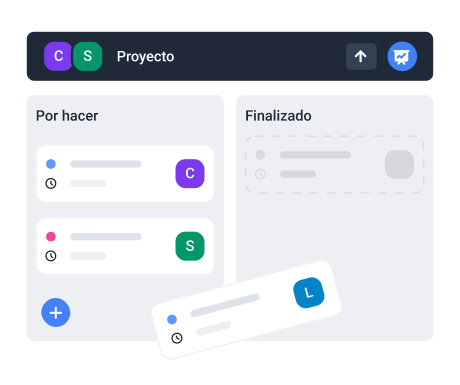
Visual boards with columns for each stage. Move tasks between columns as work progresses.
Custom columns
Create columns that match your workflow · To Do, In Progress, Review, Done, or anything you need.
Card details
Each card shows assignee, due date, priority and tags. Get context without opening the task.
Gantt charts
See the full timeline at a glance
Interactive Gantt charts show task dependencies, milestones and deadlines. Plan ahead with confidence.
Task dependencies
Link tasks that depend on each other. When one moves, dependent tasks adjust automatically.
Milestone tracking
Set milestones for key deliverables. See progress toward each milestone in real time.
Everything you need for project views
One-click view switching
Switch between Kanban, Gantt and list views instantly.
Custom columns
Create and rename columns to match your workflow.
Drag and drop
Move tasks between stages with a simple drag.
Dependencies
Link tasks and track critical paths automatically.
Milestones
Set and track key deliverables and deadlines.
Smart filters
Filter by assignee, priority, date or custom tags.
“Being able to switch between Kanban and Gantt views depending on the meeting has been a game-changer for our team.”
Marc T.
Project Manager, digital agency
Frequently asked questions
Yes. Switch between Kanban boards, Gantt charts and list views with one click. Your data stays the same.
Yes. Link tasks that depend on each other. Gantt charts visualise the critical path.
Yes. Create, rename, reorder and colour-code columns to match your workflow.
Yes. Set milestones on the Gantt chart to track key deliverables and deadlines.
Yes. Filter by assignee, priority, due date, tags or any custom field across all views.