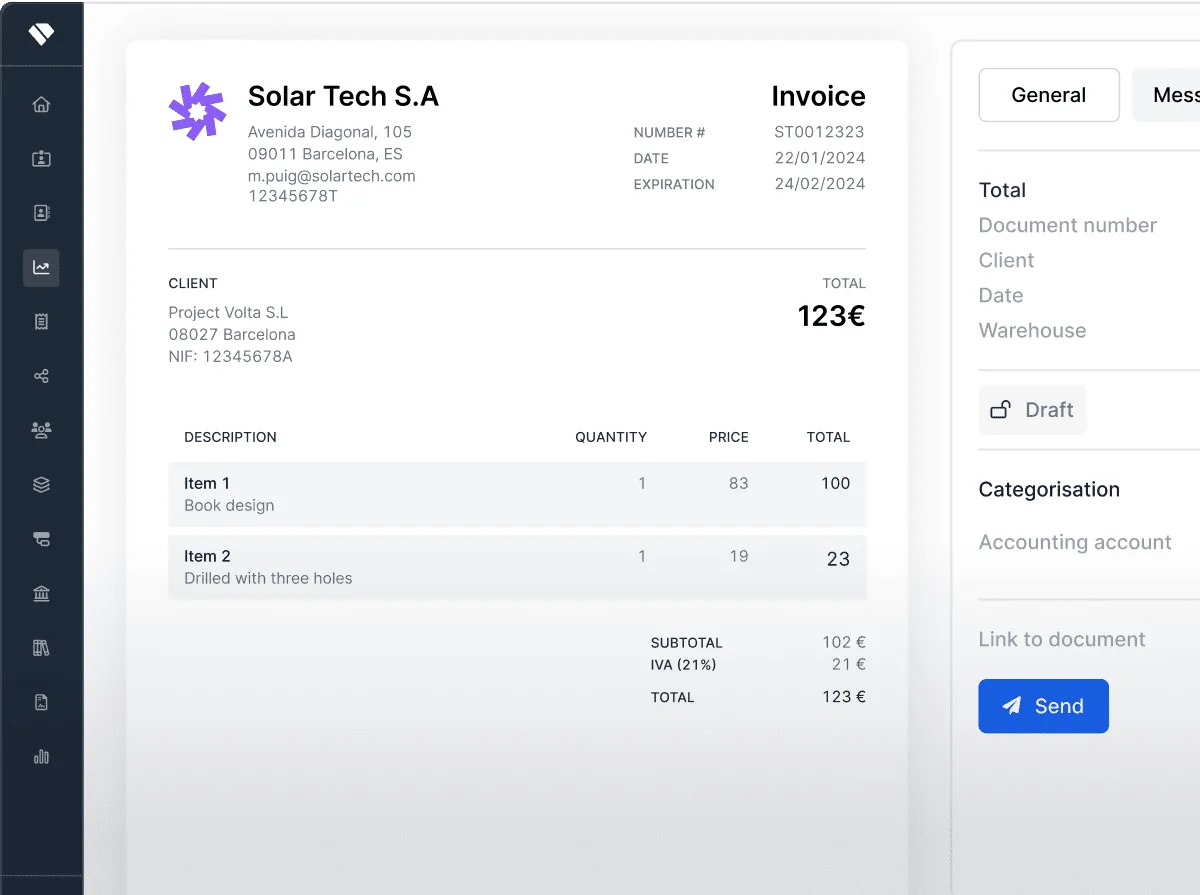
We put in your hands a simple solution to the most complex of jobs. Plan each step, visualize the goal and calculate the profitability of your projects.
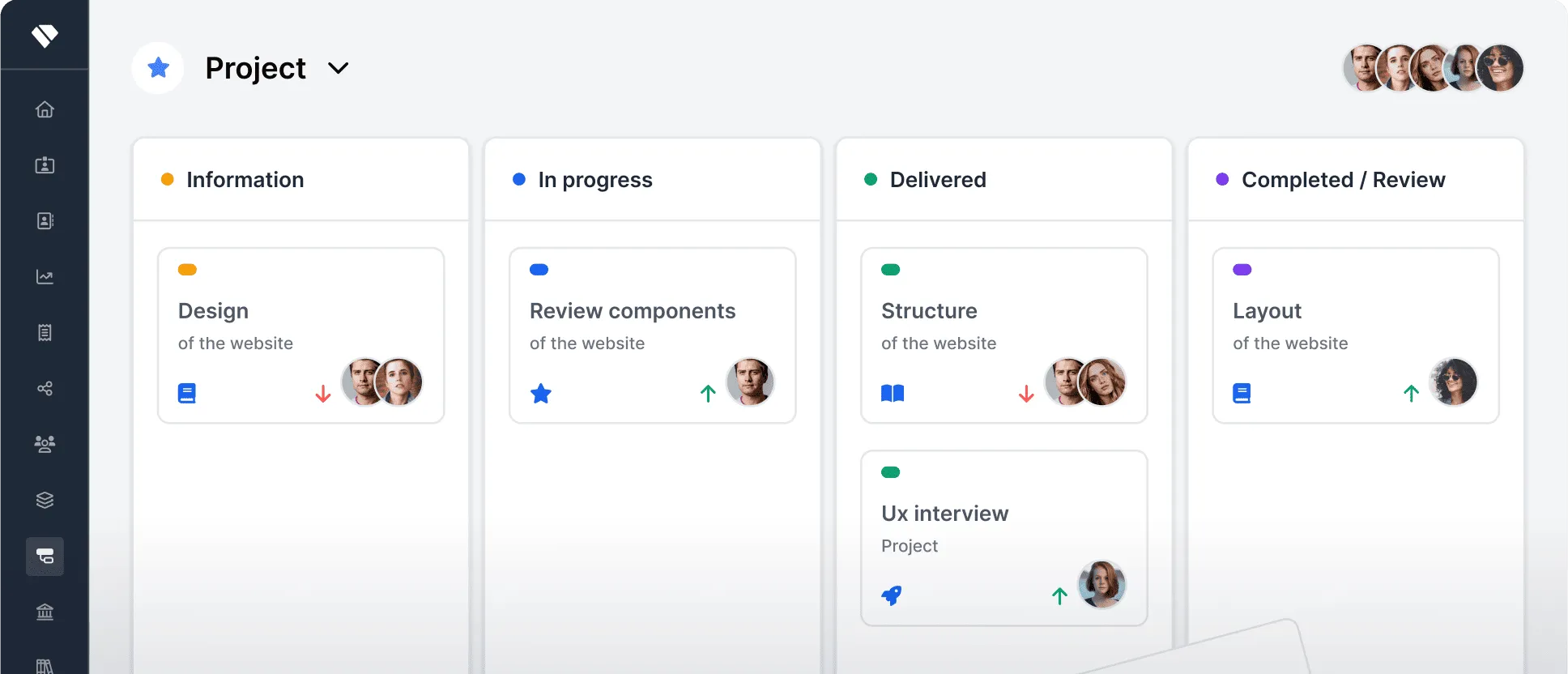
Kanban Boards give you an overview of project status, progress, and issues at a glance.
Lists are now supercharged by Holded to give you an analysis of timelines, budgets, sales, and more.
Gantt charts show how much time is devoted to each task — a project manager’s dream.

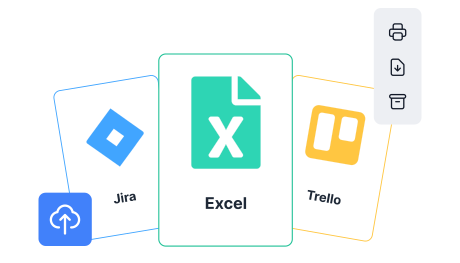
Import all your data from Excel or another project management tool and continue where you left off.
Easily organize projects with customizable templates and tags.
Connect your accounting to gain full visibility into how projects impact your cash flow.
Track the time you and your team spend on each project and boost efficiency.
Delegate tasks and set deadlines to keep everyone aligned.
View the budget, final billing, personal costs, and associated expenses as they are changed or updated.
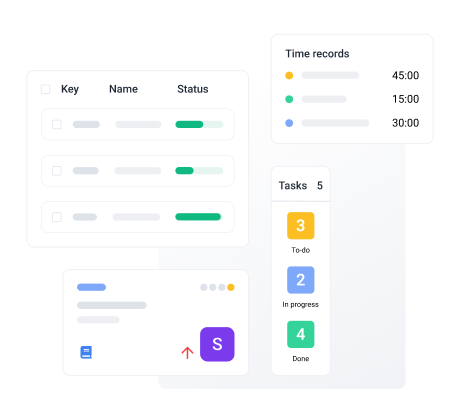

Filter by status, assignee, project and more — then view cards in your favorite project management style.
Group employees into project-specific teams for crystal-clear communication.
Organize tasks by priority and due-date, so the whole team knows what needs to be done.
Project management is no easy task. Quite the opposite, in fact. Even small projects can spiral out of control if they’re not handled with the necessary rigor. That’s why the first essential step to properly managing a project is planning: defining what it consists of, setting goals, assembling the right team, and finally, creating a plan with clearly scheduled steps.
Once the project plan is in place, constant follow-up is key—scheduling mandatory checkpoints for all team members and encouraging ongoing communication to stay focused on the objectives. To make project management truly effective, it's also important to establish certain best practices to help manage the team’s time: prioritize tasks, optimize meetings (not too many, not too few), and plan out each phase of the project.
Finally, every project should end with a proper results review to evaluate its success.
As the name suggests, project management tools are all those that help you manage a project. The thing is, since every project is unique, the tools that are essential for one might not be as crucial for another—and vice versa.
However, there are some features that are common to most projects. For example, it's important to have a tool that tracks the working hours of each team member. It’s even better if that same tool is connected to a task manager where the project lead can assign specific actions to each employee. A solid communication tool is also essential—one that goes beyond email but isn’t a social-style chat.
And of course, the financial side of the project shouldn’t be overlooked. That’s why it’s especially important to have a tool that helps monitor expenses and manage invoices, among other accounting tasks.
You can add as many team members to a project as the number of users you've invited to your Holded account. The user limit depends on the Holded plan you choose:
Basic – 2 users + advisor
Standard – 4 users + advisor
Advanced – 7 users + advisor
Premium – 15 users + advisor
Workflows are the lifeblood of any project. Wanting tools to support those workflows isn’t just normal—it’s a smart move.
Holded’s project management tools include powerful features like Kanban views, which give you a clear overview of your project’s status, progress, and blockers at a glance; and Gantt charts, which show exactly how much time is being spent on each task within the project.
But that’s not all—Holded helps you stay on top of your workflows minute by minute. You can track your team’s work hours, manage tasks, and set deadlines with ease. Everything you need to stay in control.