Track your team's working hours effortlessly
Digital clock-in from any device. Meet legal requirements, reduce admin and get accurate data for payroll.
Try Holded free for 14 days. No credit card required.
Over 200,000 businesses trust Holded


How time tracking works
From clock-in to compliance-ready reports in four simple steps.
Clock in
Employees clock in from their computer, mobile or tablet. One tap is all it takes.
Track hours
Working hours are recorded automatically. No spreadsheets, no manual entries.
Generate reports
View hours by employee, department or period. Export data for payroll or audits.
Stay compliant
All data is stored securely and meets mandatory time-tracking regulations.
Multi-device clock-in
Clock in from anywhere
Your team can clock in and out from their computer, mobile or tablet. No physical terminals or complicated hardware needed.
Any device, any location
Employees clock in from their own device: whether they're in the office, at home or on the road.
Real-time visibility
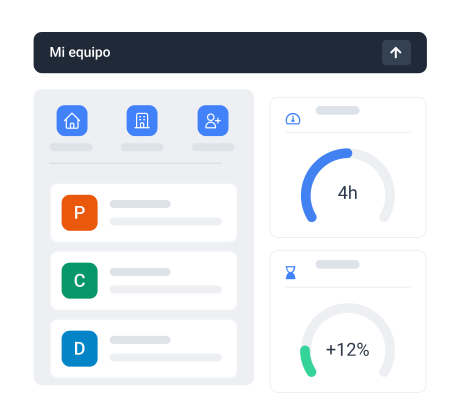
See who's clocked in right now. Get an instant overview of your team's status at any moment.
Reports and exports
Hours data ready when you need it
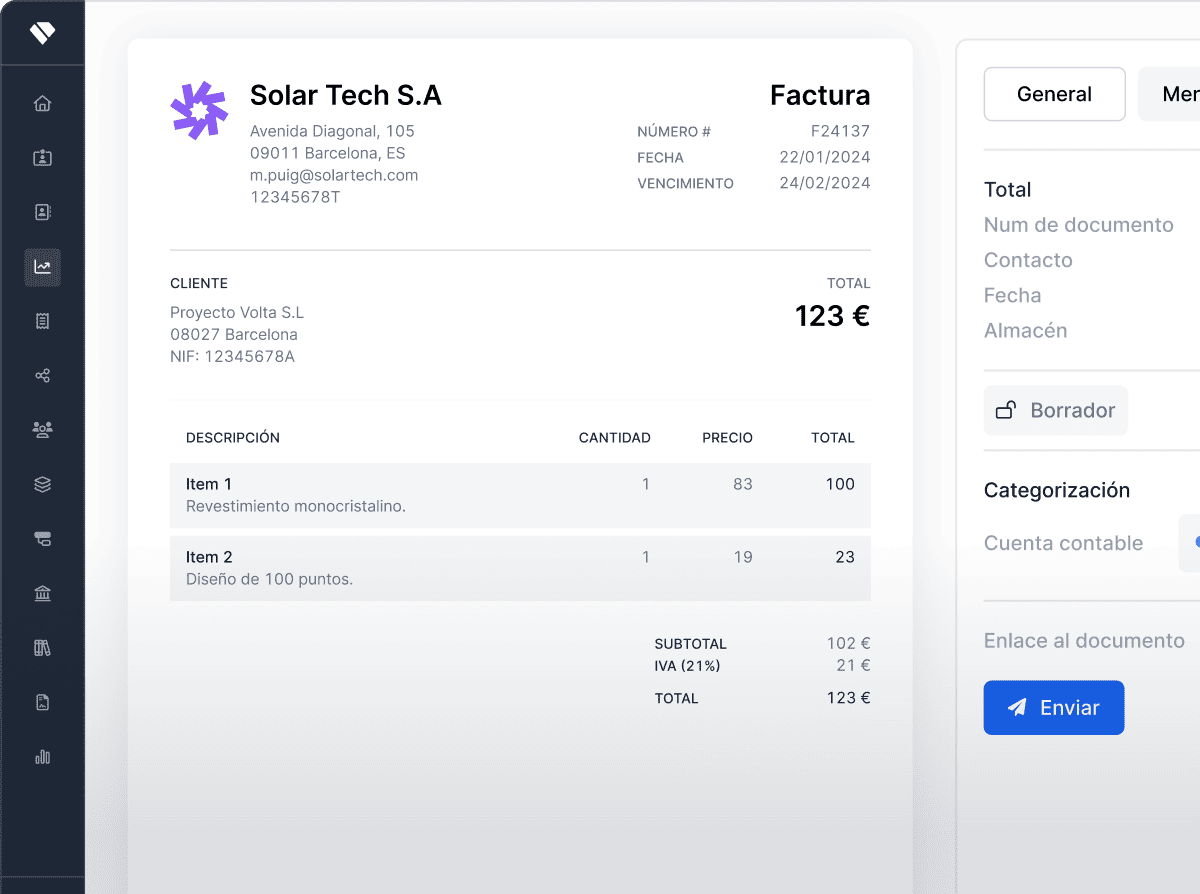
Generate detailed reports by employee, department or time period. Export everything for payroll processing or labour inspections.
Flexible reporting
Filter by date range, department or individual employee. Get exactly the data you need, when you need it.
One-click export
Export reports in the format your payroll provider or auditor requires. No reformatting necessary.
Everything you need for time tracking
Geolocation
Optionally verify clock-in location for remote or field teams.
Overtime tracking
Automatically flag when employees exceed their scheduled hours.
Shift management
Define work schedules and shifts. See who's on and when.
Payroll integration
Hours data flows directly into payroll. No re-entering figures.
Reminders
Remind employees to clock in if they forget. Stay on top of records.
Employee portal
Employees check their own hours, request corrections and view their history.
“Since we started using Holded for time tracking, we've saved hours every week on admin. The reports are ready when our accountant needs them.”
Laura M.
HR Manager, 45-person company
Frequently asked questions
Yes. Holded meets the mandatory time-tracking requirements in force in Spain. All clock-in data is stored securely and can be exported for labour inspections.
Yes. Employees can clock in and out from any device: computer, mobile or tablet. No apps to install, it works directly from the browser.
Yes. You can generate reports by employee, department or period and export them in the format your payroll provider needs.
Yes. Holded flags when employees exceed their scheduled hours so you can manage overtime proactively.
Yes. The real-time dashboard shows who is clocked in, who is on break and who hasn't started yet.