Track fixed assets and automate depreciation
Register every asset, set depreciation schedules and let Holded generate journal entries automatically. Full lifecycle management from acquisition to disposal.
No credit card required. 14-day free trial.
Three steps to automated asset management
From registration to automatic depreciation entries, set it up once and let Holded handle the rest.
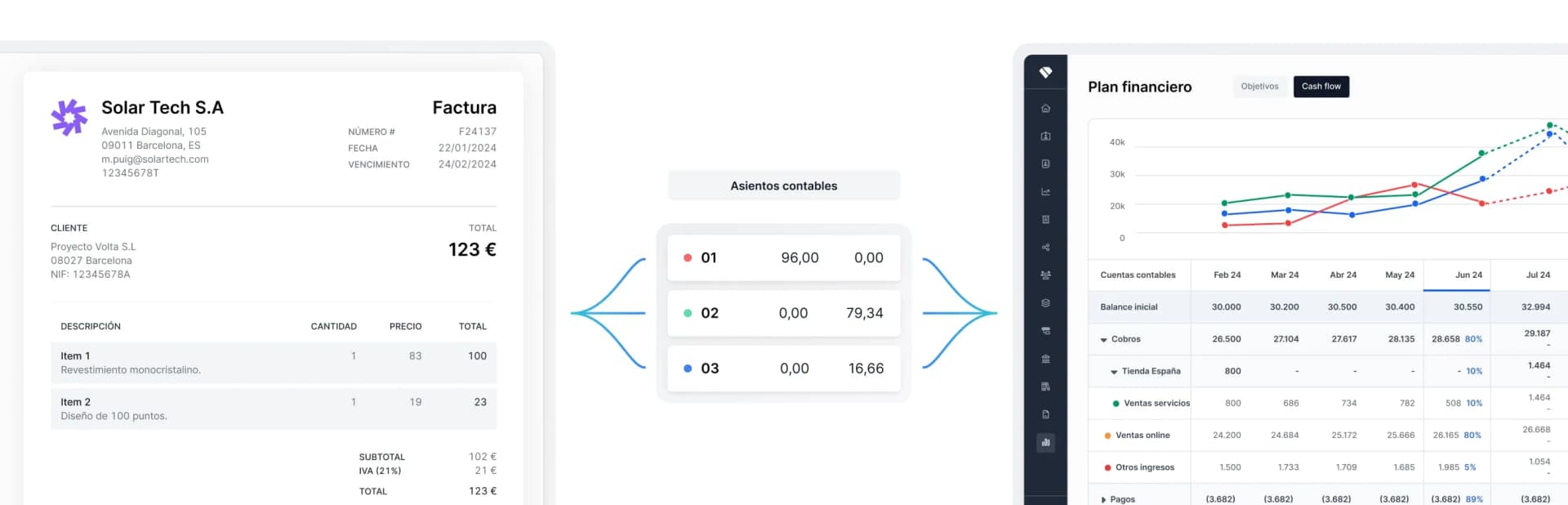
Register the asset
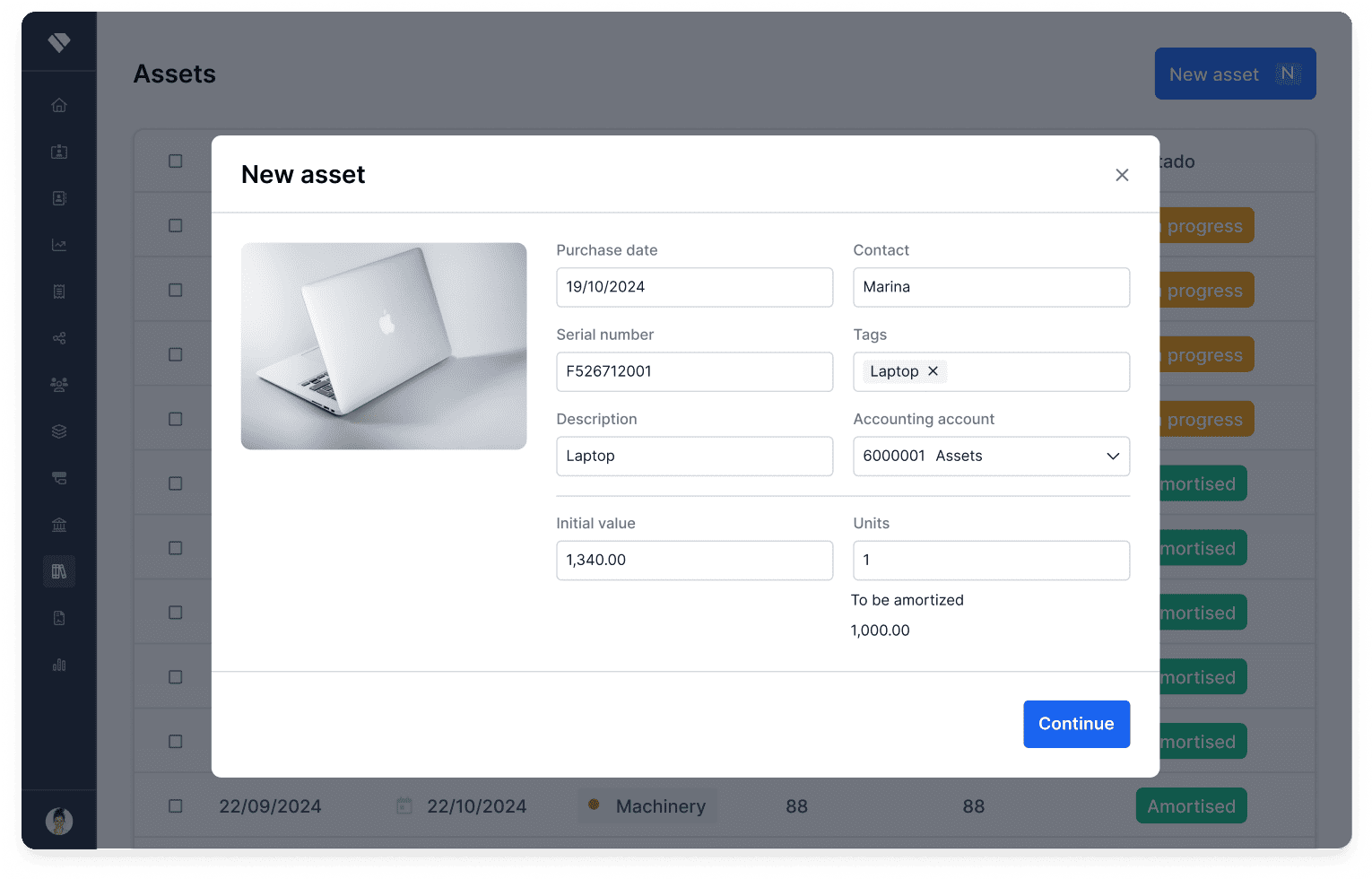
Add the asset with its purchase date, cost, useful life and category. Attach invoices or photos for a complete record.
Set the depreciation method
Choose straight-line, declining balance or custom schedules. Holded calculates the depreciation plan automatically.
Automatic journal entries
Holded posts depreciation entries to your books each period. No manual work, your accounts are always up to date.
Depreciation Schedules
Automatic depreciation: set it and forget it
Configure depreciation once per asset and Holded calculates every instalment for the full useful life. Switch between methods at any time.
Multiple depreciation methods
Straight-line and declining balance methods built in. Define custom coefficients or follow official tax tables for your jurisdiction.
Residual value and partial periods
Set a residual value for each asset. Holded handles pro-rata calculations when an asset is acquired mid-period.
Asset Register
A complete register for every fixed asset
Keep a centralised record of all your tangible and intangible assets. Track their value from acquisition through depreciation to disposal.
Full lifecycle visibility
See the original cost, accumulated depreciation, net book value and remaining useful life for every asset at a glance.
Categories and custom fields
Organise assets by category · vehicles, machinery, IT equipment, property · and add custom fields for serial numbers, locations or departments.
Built for every asset scenario
From a single laptop to a fleet of vehicles · Holded adapts to any fixed-asset structure.
Multiple depreciation methods
Straight-line, declining balance, units of production or fully custom schedules. Apply different methods per asset or category.
Asset categories and grouping
Group assets by type, location or department. Filter, compare and report on any segment of your fixed-asset base.
Disposal and write-off management
Record disposals, sales or write-offs with one click. Holded calculates the gain or loss and posts the closing entries automatically.
Auto Journal Entries
Depreciation entries posted automatically
Every depreciation charge flows straight into your general ledger. No spreadsheets, no manual postings, no missed periods.
Period-end automation
Holded generates depreciation journal entries at each period close · monthly, quarterly or annually · matching your accounting calendar.
Audit-ready trail
Every entry links back to the source asset, depreciation schedule and original purchase document for a complete audit trail.
Assets under control
100%
Depreciation entries automated
0
Manual journal entries needed
24/7
Real-time net book value
Everything you need for fixed assets
Go beyond basic depreciation with tools designed for complete asset management.
Tax vs accounting depreciation
Run parallel depreciation schedules · one for your books and one for tax purposes · and track the deferred tax impact automatically.
Asset reports
Generate depreciation schedules, asset summaries and net book value reports. Export to Excel or PDF for auditors and tax advisors.
Barcode and QR tagging
Assign barcodes or QR codes to each asset for fast physical inventories. Scan to pull up the full asset record instantly.
Insurance tracking
Store insurance policy numbers, renewal dates and coverage amounts alongside each asset. Get reminders before policies expire.
Frequently asked questions
Holded supports straight-line (linear) and declining-balance depreciation out of the box. You can also define fully custom schedules with your own coefficients or follow official tax depreciation tables.
Yes. You can maintain parallel depreciation schedules for the same asset · one following accounting standards and another following tax rules · and Holded will track the resulting deferred tax differences.
When you dispose of, sell or write off an asset, Holded automatically calculates the gain or loss based on the net book value at the disposal date and posts the corresponding journal entries to close the asset.
Yes. Once you configure an asset with its depreciation method, Holded generates the journal entries at each period close: monthly, quarterly or annually: without any manual intervention.
Yes. You can import your existing asset register via CSV or Excel, including historical cost, accumulated depreciation and remaining useful life. Holded will continue the depreciation schedule from where you left off.